Scheduled chats

The Housecat agent can now run on a schedule to carry out tasks for you.
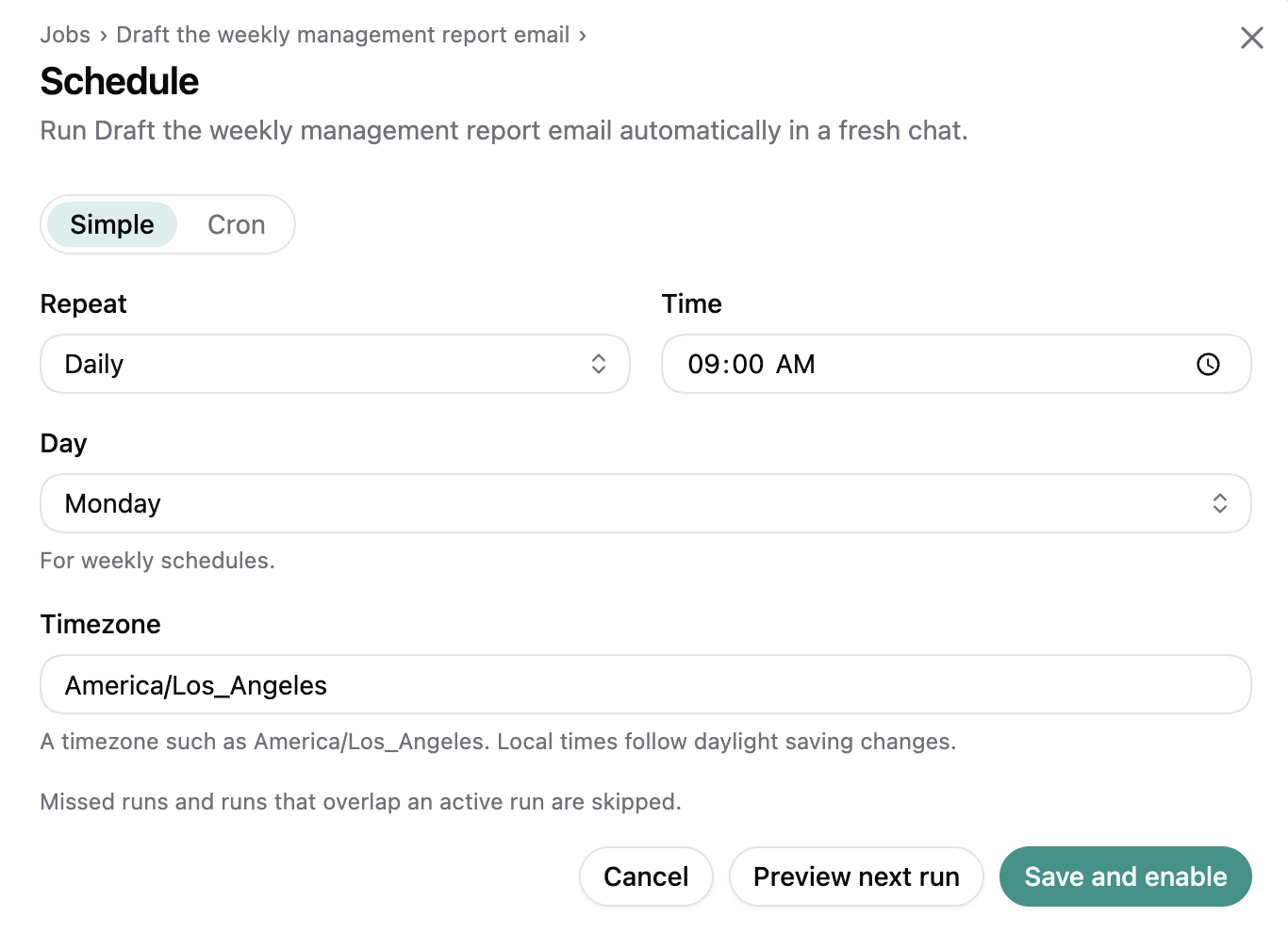
Schedule settings for an agent chat, with repeat, time, day, timezone, and a preview of the next run.

For example:

  • Label emails matching criteria like “Hiring” or “Q3 offsite” overnight.
  • Draft a regular reporting email once a week, pulling in information from other sources like Google Drive, CRM or Granola.
  • Find recent meetings on your calendar, cross reference with your meeting note taker, and draft follow-up emails with next steps as necessary.
Agent Memory

Housecat can now remember your preferences and useful facts across chats, so you don’t have to repeat yourself in every conversation.

  • Ask it to remember something, such as how you like your emails written, and use that preference in future chats.
  • Correct a saved memory when things change, or ask Housecat to forget it.
  • Housecat briefly confirms what it saved or forgot.

Chat knows what message you are working on

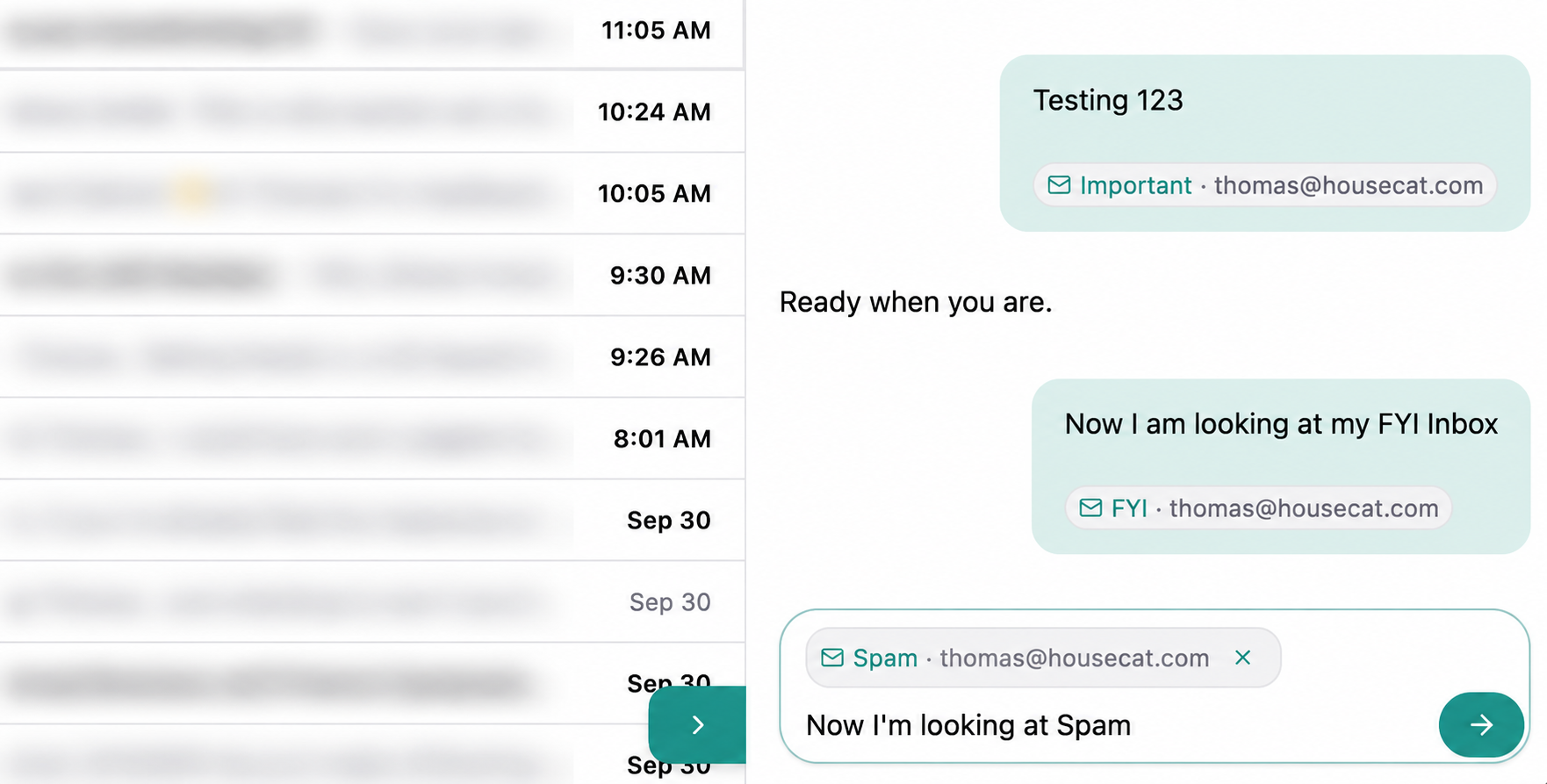
Chat can now use the email thread or inbox you’re viewing, so you don’t have to explain where to start.

Housecat chat showing Important, FYI and Spam context chips beside an email list with blurred subjects and previews.

  • When you chat with the Housecat assistant from Mail, it knows which email, search or inbox you’re looking at.
  • A removable context chip shows the page you’re sharing and updates as you browse, while retaining your unsent message.
  • Remove the chip to leave out the current page and ask a general question about your inbox.

Archived folder

You can now find your archived mail in the new Archived folder. We’ve also renamed “Done” to “Archived” to align with Gmail’s terminology.

More effective agent tool use

We’ve improved Housecat’s MCP tools, skills, and instructions for more consistent email and workspace tasks.

  • Better inbox reviews that consider read and unread messages, reply status, and gaps in coverage.
  • More consistent tools across email, contacts, tasks, and projects, with clearer errors.
  • Shared guidance across Codex and Claude, with your identity and timezone in chat.
  • Focused email and CRM skills, separate from development tasks.

Welcome tour

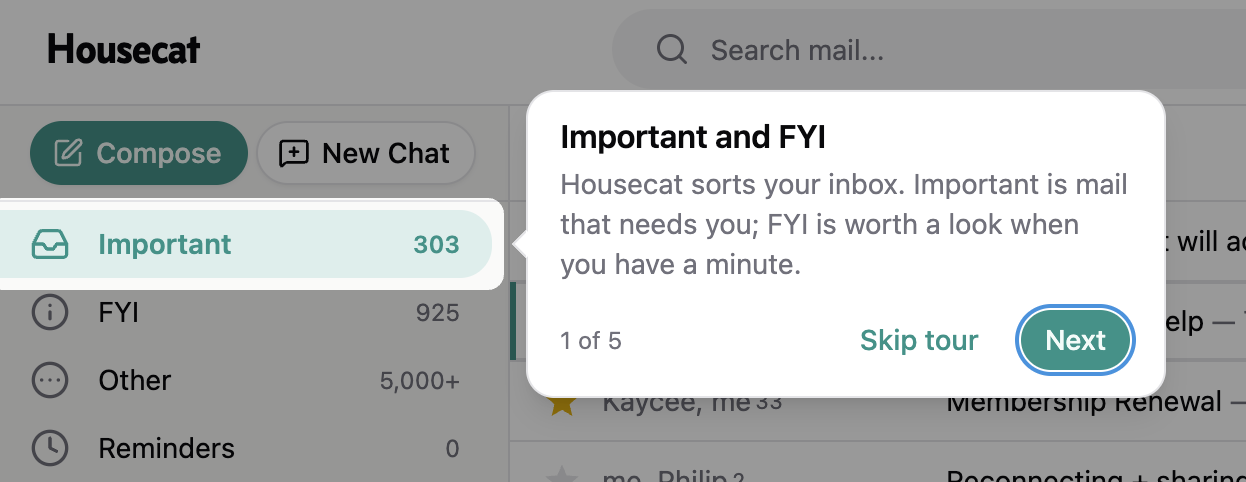
New users to Housecat now get a guided tour to explain how the key features work:

Housecat welcome tour highlighting Important and explaining Important and FYI, with Skip tour and Next controls.

  • Learn how Important and FYI organize your inbox
  • Then open a chat and try a starter prompt with your own email
  • Users can skip the tour at any time.

Agent Chat inside email

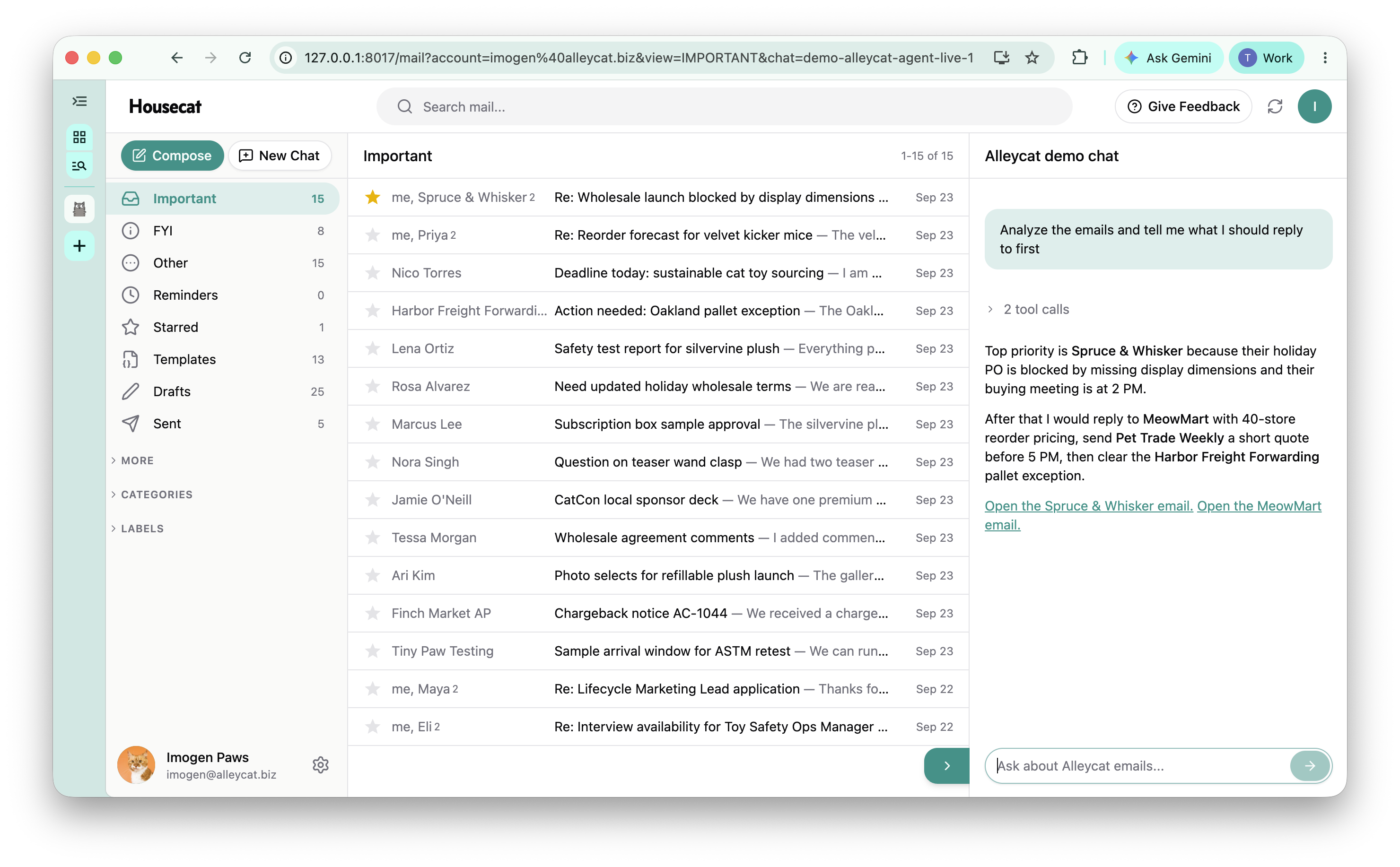
Chat with the Housecat AI agent from inside of your email inbox

Housecat AI agent prioritizing emails in a chat panel beside the demo inbox

  • Chat opens a collapsible panel to the right hand side
  • Start by asking questions like “what should I work on first?” or “which emails are overdue a reply?”
  • Housecat can also help you with drafting and replying, and can even use your existing templates
  • Or have it carry out bulk tasks like categorizing, labelling or archiving, so you don’t have to.
  • Powered by Codex

Smoother drafting and composing

  • Drafts for new conversations now show their recipients with a “To:” label. Empty drafts are marked “Blank draft,” so they’re easier to recognize in the list.
  • Press Tab in the subject line of an email to move straight into your message.
  • Improved the labels and tooltips across the composer and draft views for discarding drafts.

Forward emails with attachments

Forwarding an email now includes its existing attachments, so you don’t have to add them again.

New emails un-snooze the thread

  • When a new reply arrives in a Gmail thread, Housecat clears the reminder so the conversation returns to your inbox.
  • Sending a message or saving a draft keeps the thread’s reminder in place (and continues to hide the thread until the reminder date).

Undo send

  • After sending a new email or reply, you now have 10 seconds to change your mind. Click Undo in the “Sending · Undo” notification to stop the send.
  • Undo saves your message and attachments as a draft in the conversation, ready to edit and send again. The draft stays available after reloading the page.

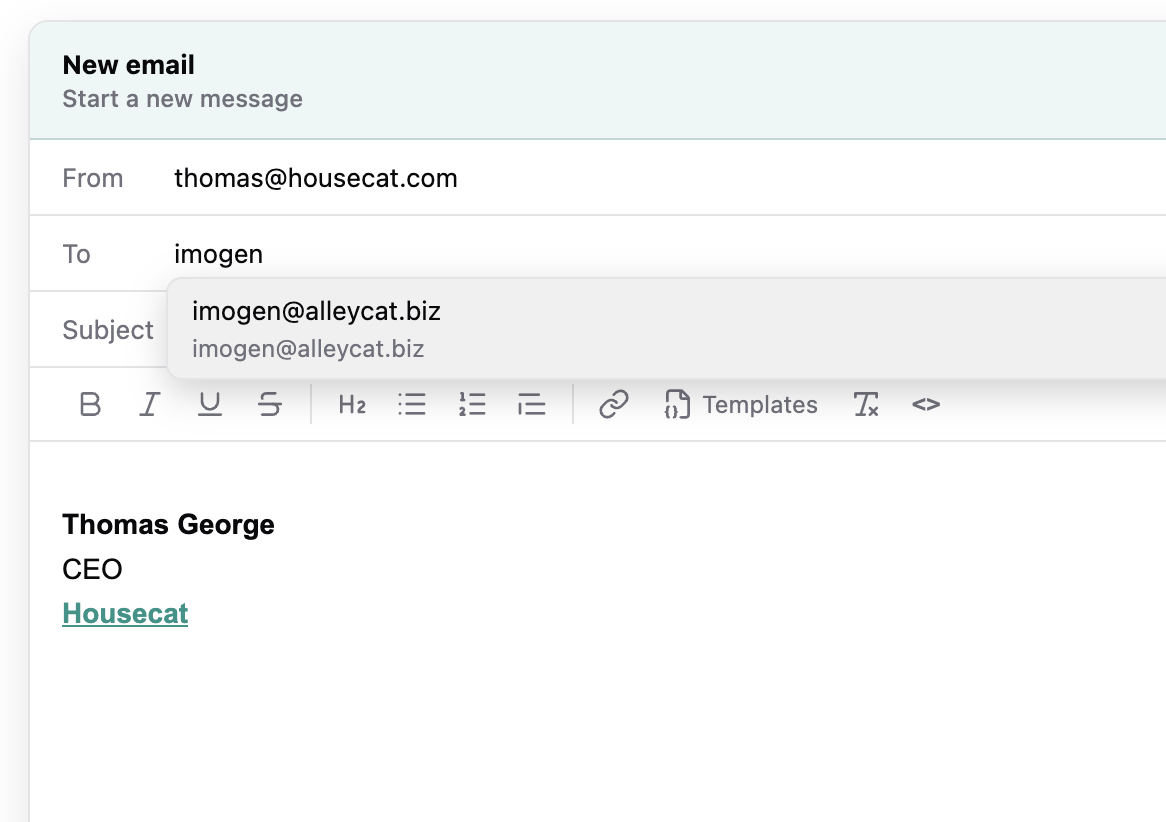
Auto-complete senders

Email compose auto-complete suggesting a matching recipient address

  • Auto-complete when composing emails was not working for all users, so we redesigned the data flow.
  • Now we sync email addresses from Important, FYI, and Recently Sent emails so that when you start typing we have a better chance of suggesting the right email via a dropdown auto-complete.

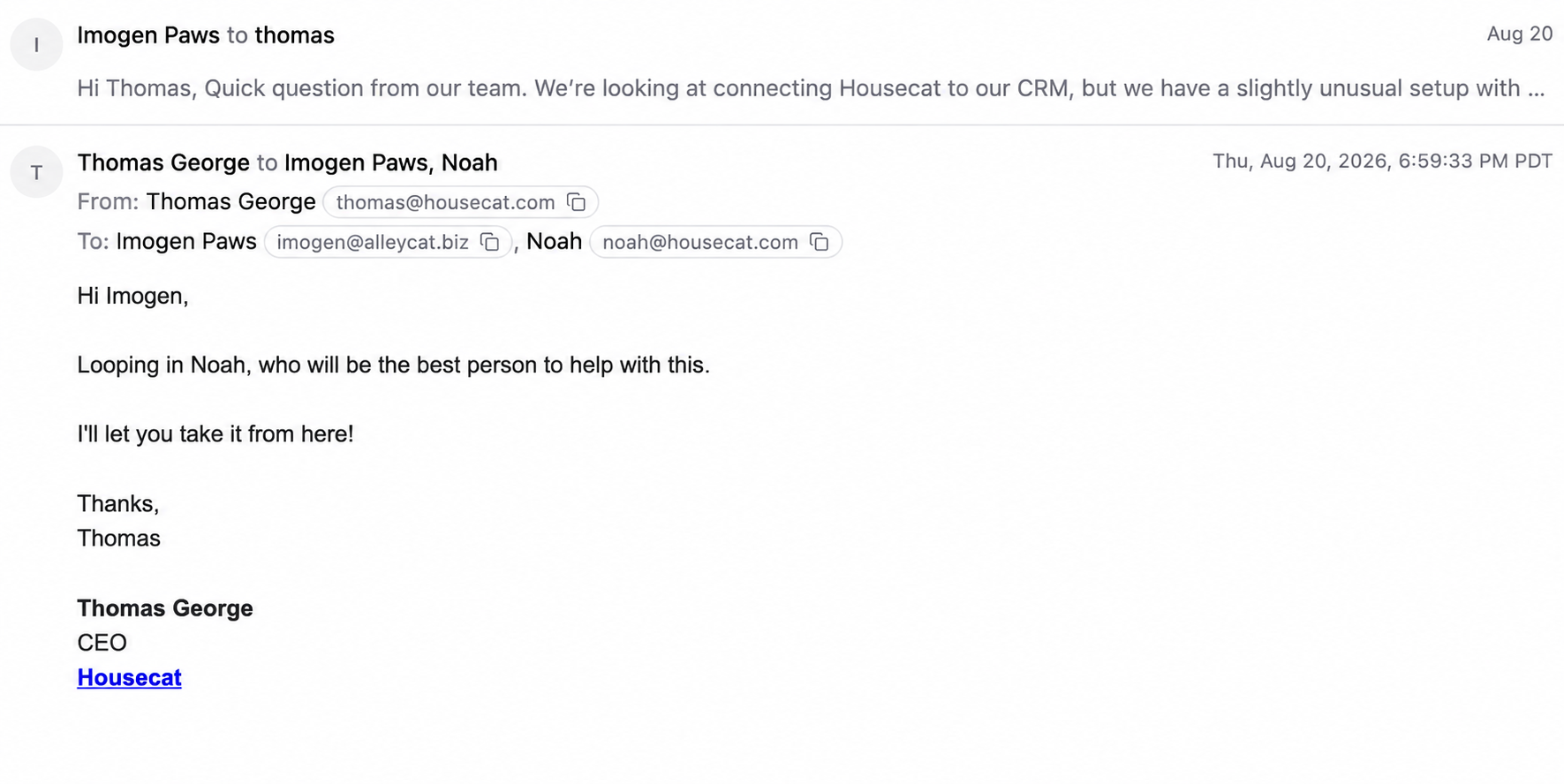
Collapsed/Expanded email states

Expanded email state showing full addresses, copy actions, and detailed sent time

  • We simplified the interactions around collapsing and expanding emails in the email viewer.
  • Now pressing anywhere in a collapsed email opens the full email. And pressing anywhere in the header collapses it again.
  • Expanded emails show the full email addresses, with a simple one-click copy action, and the detailed time that the email was sent.
  • Hovering over any email shows options to reply, reply all, and forward the email.

Speed Improvements

We have made a range of changes to improve how quickly Housecat loads your inboxes and messages.
The first few pages of all your main inboxes should now be pre-cached, making them much faster to load.

New Changelog page

Starting today we’re going to share more behind-the-scenes of building Housecat. This changelog will be updated regularly with new features and improvements.